Usando JIRA para problemas DHIS2
Inscreva-se no JIRA - está aberto a todos !
-
Vá para: https://jira.dhis2.org.
-
Crie uma conta com seu nome e endereço de e-mail.
Reportar um problema
Tip
Uncertain whether something is a missing feature, a bug or deprecated? We'd really appreciate that you ask on the developer list before reporting a bug directly. Thanks!
-
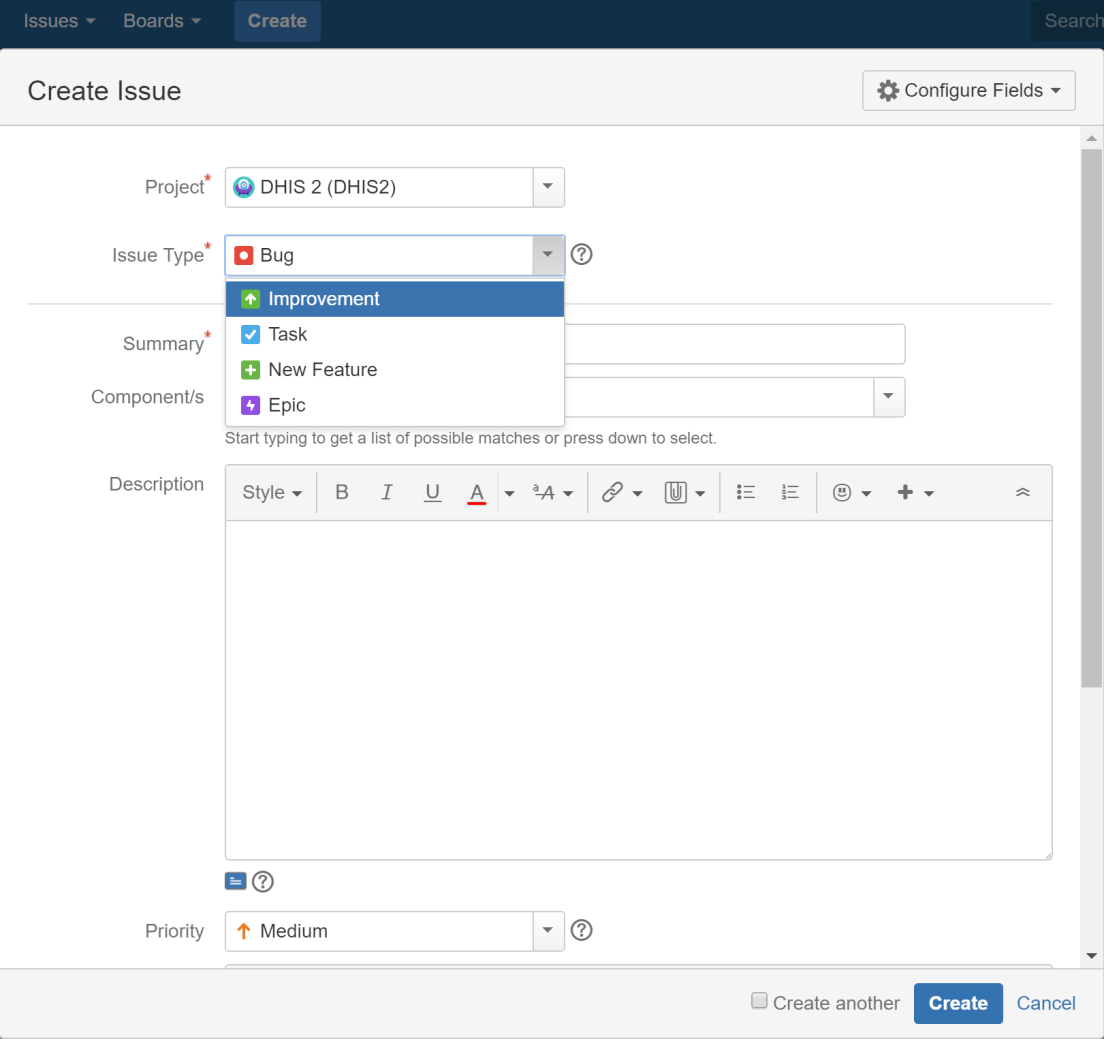
Clique em ** Criar ** no menu superior.
-
Selecione um ** Projeto ** na lista.
-
Selecione um ** Tipo de problema **:
-
Improvement - if you’d like to tell us about something that could be better such as usability or design suggestions.
-
** Novo recurso ** - se você quiser sugerir um recurso.
-
** Tarefa ** - se você foi solicitado a trabalhar em uma tarefa DHIS2.
-
** Bug ** - se você encontrou algo que precisa de conserto.
-
Epic - if you’d like to submit an idea for a new DHIS2 area such as an app. Epic is used for issues more complex than new features.
-
-
Clique em ** Criar **.
Tip
To create several issues in one go, select Create another.
-
Fill out the issue form. Please give us plenty of context! Include server logs, JavaScript console logs, the DHIS2 version and the web browser you’re using.
Procure por problemas
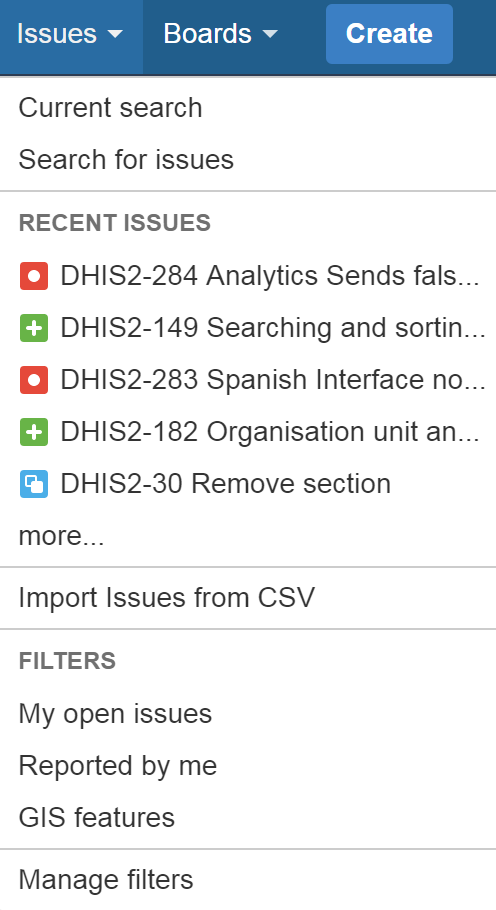
Clique em ** Problemas > Pesquisar problemas **.
If you click Advanced, you can order your search criteria using the predefined fields. You can also enter search terms in the search field. See also: Search syntax for text fields.
Sobre filtros
You can save your search results as filters to get back to them faster. A filter is very similar to a favorite. We’ve created filters for features intended for release numbers 2.26, 2.27 and 2.28 and for all open bugs.
Crie um filtro
-
Para criar um filtro, vá para ** Problemas > Pesquisar problemas **.
-
Adicione filtros à sua pesquisa, como:
-
** Projeto ** - o principal projeto de software é DHIS 2.
-
Type – you can filter by Standard Issue Types such as New Features, Improvements, Bugs or Epic or Sub-Task Issue Types.
-
Status – filter by To Do (not started) and Done, for example.
-
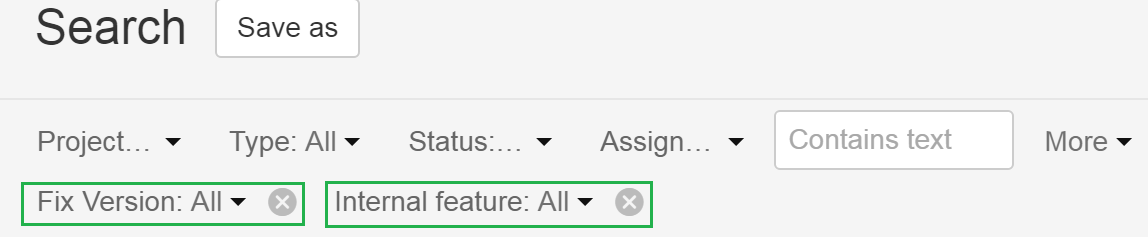
Version - click More > All Criteria > Fix version to filter by DHIS2 release number.
-
Internal- click More > Internal feature to exclude low-level (back end) features from your search.
-
-
Clique em ** Salvar como **. Este botão está na parte superior do painel Pesquisar.

-
Enter a name for your search filter and click Submit. Your filter is now available in Favorite Filters. Use the arrow to modify your filter. Your filter is also available on the System Dashboard.

Adicione um filtro ao seu perfil
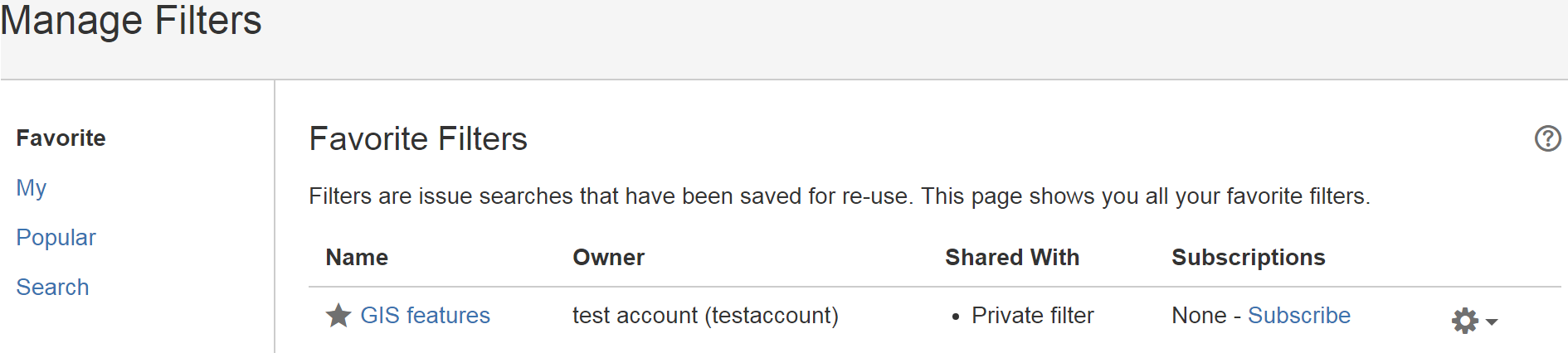
To add a filter to your profile, click Issues > Manage filters and click the star icon next to each filter.
Remova os termos do filtro de pesquisa de sua pesquisa
Click the cross to remove search filter terms you previously added from your search.
Comunique-se conosco
To share information, clarify requirements, or discuss details about an issue, do this using issue comments.
-
Selecione o problema que deseja comentar.
-
Na visualização Detalhes do problema, clique em ** Comentário ** e digite seu texto.
To email others about your comment, simply enter @User's Name in the comment field. An email will be sent to the users' email addresses that are registered with their JIRA accounts.
-
Clique em ** Adicionar **.