
DHIS2 Documentation Team
Copyright © 2008-2023 DHIS2 Team
source.revision.date: 2025-07-15
Warranty: THIS DOCUMENT IS PROVIDED BY THE AUTHORS ‘’AS IS’’ AND ANY EXPRESS OR IMPLIED WARRANTIES, INCLUDING, BUT NOT LIMITED TO, THE IMPLIED WARRANTIES OF MERCHANTABILITY AND FITNESS FOR A PARTICULAR PURPOSE ARE DISCLAIMED. IN NO EVENT SHALL THE AUTHORS OR CONTRIBUTORS BE LIABLE FOR ANY DIRECT, INDIRECT, INCIDENTAL, SPECIAL, EXEMPLARY, OR CONSEQUENTIAL DAMAGES (INCLUDING, BUT NOT LIMITED TO, PROCUREMENT OF SUBSTITUTE GOODS OR SERVICES; LOSS OF USE, DATA, OR PROFITS; OR BUSINESS INTERRUPTION) HOWEVER CAUSED AND ON ANY THEORY OF LIABILITY, WHETHER IN CONTRACT, STRICT LIABILITY, OR TORT (INCLUDING NEGLIGENCE OR OTHERWISE) ARISING IN ANY WAY OUT OF THE USE OF THIS MANUAL AND PRODUCTS MENTIONED HEREIN, EVEN IF ADVISED OF THE POSSIBILITY OF SUCH DAMAGE.
License: Permission is granted to copy, distribute and/or modify this document under the terms of the GNU Free Documentation License, Version 1.3 or any later version published by the Free Software Foundation; with no Invariant Sections, no Front-Cover Texts, and no Back-Cover Texts. A copy of the license is included in the source of this documentation, and is available here online: http://www.gnu.org/licenses/fdl.html
This guide provides a complete overview of the DHIS2 Android Capture App, including how to install, configure, deploy, and use it in real-world implementations. It is designed to support a wide range of DHIS2 stakeholders involved in Android-based data collection efforts:
While the guide strives to be complete, there may be certain functionalities which have been omitted or which have yet to be documented. This section explains some of the conventions which are used throughout the document.
DHIS 2 is a browser-based application. In many cases, screenshots have been included for enhanced clarity. Shortcuts to various functionalities are displayed such as Data element > Data element group. The ">" symbol indicates that you should click Data element and then click Data element group in the user interface.
Different styles of text have been used to highlight important parts of the text or particular types of text, such as source code. Each of the conventions used in the document are explained below.
Note
A note contains additional information which should be considered or a reference to more information which may be helpful.
Tip
A tip can be a useful piece of advice, such as how to perform a particular task more efficiently.
Important
Important information should not be ignored, and usually indicates something which is required by the application.
Caution
Information contained in these sections should be carefully considered, and if not heeded, could result in unexpected results in analysis, performance, or functionality.
Warning
Information contained in these sections, if not heeded, could result in permanent data loss or affect the overall usability of the system.
Complete
Information contained in these sections, will indicate that these are issues that have been fully implemented.
Incomplete
Information contained in these sections, will indicate that these are issues that are not implemented and will be ignored.
Not_applicable
Information contained in these sections, will indicate that these are issues not applicable.
Work_in_progress
Information contained in these sections, will indicate that these are issues or freatures not completely implemented or with unexpected behaviour already reported.
Program listings usually contain some type of computer code.
They will be displayed with a shaded background and a different font.
Commands will be displayed in bold text, and represent a command which would need to be executed on the operating system or database.
Links to external web sites or cross references will be displayed in blue text, and underlined like this..
In this document the terms MDM and EMM will be used interchangeably. This is not entirely accurate, but is done to help simplify the document. An MDM per se does not consider the deployment of applications while a EMM involves many more options that are not in the scope of this document. Therefore it can be said that this document covers somewhere in between these two concepts.

Mobile Device Management refers to software used for the administration of mobile devices. You will most probably want to use an MDM software when you have to support hundreds of devices and it becomes necessary to control the DHIS2 Application distribution across the devices, provide tech support and enforce institutional policies.
For example, if you have a project where 1000 Android devices are going to be used in a distributed way (community workers) using mobile data to send the information to the central DHIS2 server, having an MDM could help you by:
This section explains really briefly how an MDM/EMM works and how it might impact the current infrastructure of a DHIS2 implementation.
In an implementation without an MDM the devices communicate uniquely and directly with the DHIS2 server as shown in the image below.
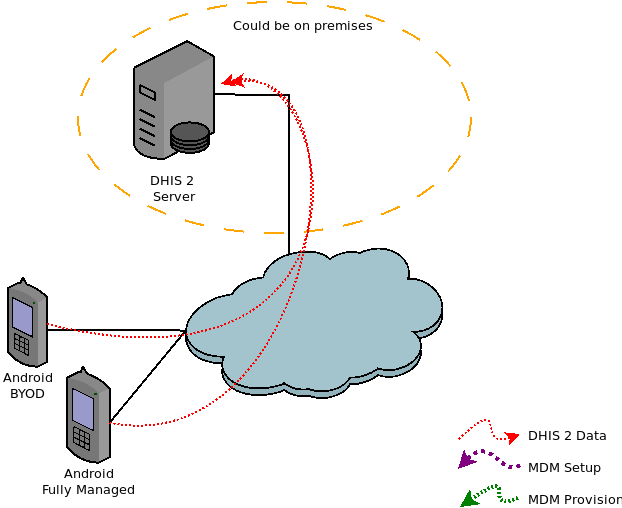
Adding an MDM will impact the infrastructure as a new server will be added. This server can be either on premises (when the solution supports it) or on the cloud. Although it is not recommended in really specific cases (small deployments or budget constraints) the server used for hosting DHIS2 could also be used so that only one server would be needed.
Adding an MDM also requires adding the position of MDM manager, meaning that a person needs to be assigned to set up and manage this MDM. This manager implements the specific configuration on the MDM server and might need to configure the mobile devices.

The configuration implemented in the MDM server is retrieved by the devices, this implies applying specific policies to the devices that might restrict the way the device can be used. It can also allow remote tracking or wiping of the device if needed.

The image below presents these steps combined in a single chart.

When deciding which MDM solution to choose it is important to define which set of features will be considered as required and which ones as nice to have. This can vary a lot between implementations; however, we have identified some features as mandatory in the list below due to the nature of DHIS2. While this can be reviewed depending on the implementation, these should be considered as our recommendation.
See Annex A - Mobile Device Management for further details.
Required features and their reason:
Android as supported platform:
This might seem obvious but some MDM solutions are aimed at other types of devices like iOS or Windows. At the moment the DHIS2 Android App is only compatible with Android devices, and it supports from version 5 (not recommended) and above (we recommend from version 7).
Application(s) distribution management:
DHIS2 implementations need to test and train users before releasing a new App version. As most of the implementations install the DHIS2 Android App from the Google Play store, when an update is published there the devices could be updated without the project being ready if there is no other mechanism in place to manage updates.
Device information:
DHIS2 implementations need to maintain an inventory of their devices in order to troubleshoot issues or to update their devices. All the MDM solutions considered include this a basic feature but it is listed here just in case a solution exists that may not include this.
Password enforcement:
In most (if not all) DHIS2 implementations, sensitive information is stored in the application. Therefore enforcing a password policy on the device may prevent undesired access to this data.
Note that despite the DHIS2 Android Application allowing the possibility to set a password for access control, because the information in the device is not yet encrypted (Feb 2020) it could still be extracted by an attacker.
Remote wipe:
In most (if not all) DHIS2 implementations sensitive information is stored in the application. If for instance a device is lost or stolen, ensuring that it can be remotely wiped can help prevent the leakage of sensitive data.
Nice to have features and their reason:
Kiosk mode (AKA single app mode)
Some DHIS2 implementations might require the devices to be locked down to a single application (DHIS2 Android Capture App) without allowing the user to access any other application or settings. A kiosk policy would achieve this.
Phone management
In some DHIS2 implementations it might be required to use devices with SIM cards in order to provide data connection over a mobile network (2G-5G). This might require the devices to use specific calling services in order to recharge data bundles or to limit call support, etc.
Application/Settings restrictions
Some DHIS2 implementations might require the users to be able to use not only one but several applications (i.e. a device that needs to be used for DHIS2 and picture capturing).
Network management
Some DHIS2 implementations might require the devices to not use the data network, or limit to specific domains (firewalling) or to always use only specific wireless networks or setting up dynamically the wireless networks, etc.
User management
Some DHIS2 implementations might require the devices to be used by several users (even two DHIS2 users). User management functionality can increase the level of security in this scenario, as each user could have different access codes, allowing multi user accounts for DHIS2 Android Capture App (currently not natively supported), several application policies per user, etc.
One of the critical factors that projects will face while deciding if they want to implement an MDM is the initial price and the running costs. An MDM can bring unexpected costs so it is recommended to evaluate the need and include its costs as early as possible in the definition of the project and budget.
Most of the MDM solutions presented in the following sections include a monthly or annual running cost which might tremendously increase the cost of the project depending on the number of devices. Thus it is advise to consider some of the following tips:
Another key factor while deciding which MDM/EMM to use is to consider if the deployment will include a BYOD (Bring Your Own Device) policy or will only work with corporate devices. This might be a critical factor as most of the MDM will differentiate in policies that can be applied to these two types of devices. Many DHIS2 implementations are based on corporate-only devices, but in some implementations a mixed BYOD-Corporate or even a full BYOD device policy could be possible.
A BYOD setup implies having an MDM that allows a minimum set of policies complying with the mandatory features listed above. Depending on the MDM this might require a work profile where the DHIS2 Application should be installed. In these implementations training might be even more important in order to explain the differences between the profiles. For example, a user with the DHIS2 Application installed in their personal profile (as well as on the work profile) would add additional data security risks, because any data stored in their personal profile could not be remotely wiped if the device was lost or stolen.
A Corporate device set-up will imply having all the devices under a stricter set of policies (can vary between devices/users/locations). This is the ideal situation from the IT management perspective but will impact flexibility and costs.
The following chart (adapted from List of Mobile Device Management software) aims to summarize all the content in this document and can be helpful to have a quick overview. However it is recommended to go through the whole document to understand all the advantages and disadvantages of the MDM proposed here.
All the presented solutions comply with the previously defined as required features:
| MDM Name (tested) | (C)loud / (P)remises | Price approx. | Strengths | Weaknesses | Additional Comments |
| Flyve MDM | C / P | - Free* (if hosted) - 350 $ / month (no limit on devices) | - Open Source -GLPI plugin | - Set of features | - If GLPI is already used this can be a really interesting option -Supported features might be a limitation |
| Headwind MDM | C / P | - Free* (if hosted) - 1990 USD / 1st year + 500 USD every other year | - Open Source - Java App (like DHIS 2) | Free version might omit some features | |
| Entgra EMM | C/P | - Free* (if hosted) - Price for SaaS not discosed | - Open Source - Java App (like DHIS2) | ||
| TinyMDM | C | 22 $ / device / year. | - Easy to use - Simple but powerful features - Android Zero configuration | - The Android Zero configuration can help while deploying in a large number of devices. -Customer support offered discount | |
| Miradore | C | 24 $ / device / year | - NFC and mass provision - Android Zero | Full potential with Samsung devices | When tested the admin console was a bit slow. - Discounts available |
| Scale Fusion | C | 24 - 36 $ / device / yea | - Mass provision - Android Zero - Lot of features - Remote cast - Remote support chat & calls | Previously known as MobiLock | |
| Manage Engine | C / P | - 10-24 $ / device / year - Free for <25 devices | - Lot of features and options - Android Zero - Remote chat & cast | The on-premises version requires Windows, this can be a strength or a weakness considering the current architecture although DHIS2 is only supported in Linux so another server would be mandatory. | |
| Focus MDM | C | - 12-24 $ / device / year - Discounts after 1.5k devices | - Nice console - Android Zero | - Many features (App distribution, kiosk, etc) are only available on full control - Google Play Services is mandatory | - Discounts available |
| MDM Name (not tested) | (C)loud / (P)remises | Price approx. | Strengths | Weaknesses | Additional Comments |
| Air Watch | C | 4 $ / device / month | Complies with the required and nice to have features | ||
| BlackBerry UEM 12.12 | C / P | ? | Complies with the required and nice to have features | ||
| AppTech360 | C / P | 2 $ / device / month | Complies with the required and nice to have features | ||
| Hexnode | C / P | 1 $ / device / month | Complies with the required and nice to have features | ||
| Kaspersky Endpoint Security | C / P | ? | Complies with the required and nice to have features Might be worth exploring if this solution is already in place | ||
| Ivanti | C | ? | Complies with the required and nice to have features | ||
| MaaS360 | C | 4 $ / device / month | Complies with the required and nice to have features | ||
| MobileIron | C / P | ? | Complies with the required and nice to have features | ||
| Cisco Meraki Systems Manager | C | ? | Complies with the required and nice to have features Might be worth exploring if this solution is already in place for network devices | ||
| SureMDM | C / P | 4 $ / device / month | Complies with the required and nice to have features | ||
| Citrix Endpoint Management | C / P | ? | Complies with the required and nice to have features | ||
| MDM Name (Other account managers) | (C)loud / (P)remises | Price approx. | Strengths | Weaknesses | Additional Comments |
| Microsoft InTune | C | 6 $ / device / month | Robust | Really expensive if only as MDM | This is different from MDM for Office 365 which provides a smaller set of features (not including App Management). Might be the ideal solution if the project is already using Microsoft (E3 or E5) as it is included. Otherwise should probably not be considered. |
| Endpoint Management (Google G Suite) | C | 6 - 25$ / device / month | - Easy to deploy - Robust | Really expensive if only as MDM | Might be the ideal solution if the project is already using Google G Suite. Otherwise should probably not be consider. |
Note
Underlined MDMs have been tested with DHIS2 Android App, non-underlined have been included here based on research or usage with other App.
When used the word Free* In the costs it is not considered the running costs of an online / premises server as it is considered that this cost is already part of the DHIS2 implementation. Although it might be recommended to have the services running on different servers.
Note
This is the same information that can be found in the Android Implementation Guidelines. Soon that section will be deprecated in favor of this document but it is kept here for historical purposes.
“Mobile Device Management refers to software used for the administration of mobile devices. You will need an MDM software when you have to support hundreds of devices and it becomes necessary to control the apk file distribution across the devices, provide tech support and enforce institutional policies. Most options are offered as monthly-fee services. Some free apps offer kiosk mode, but charge a monthly fee for basic remote management.”
The desirable features of an MDM software can be classified as basic and advanced. Here is a list of the desirable features:
When deciding which is the best MDM software for your needs you should try to answer the following questions:
This annex presents the outcome of the tested MDM: https://www.flyve-mdm.com/
Flyve MDM is based on GLPI, so it needs GLPI to be working as a subsystem before Flyve MDM can be used. GLPI is an open source IT Asset Management, issue tracking system and service desk system. This software is written in PHP and distributed under the GNU General Public License.
It is easy to test on premises because they provide docker containers which allow quick testing.
A demo on the cloud version can also be requested.
GLPI might look a bit overwhelming at the beginning, but it can be a very big advantage if a solution like this is already in place.
App is available on F-Droid so can ease the installation or testing process.
The list of supported features can be found here: http://flyve.org/android-mdm-agent/howtos/policies
Does not support KIOSK mode
The MDM Dashboard is a much nicer console but still relies on GLPI underneath.
Might not be worth it depending on the set-up, as the MDM management console and GLPI might be overwhelming if no previous experience exists in this software. Also, KIOSK mode unavailability might be a dealbreaker.
It is Open Source so the costs can be reduced significantly if self-hosted; maybe ideal for really small implementations or to test the capabilities of an MDM before scaling up.
This annex presents the outcome of the tested MDM: https://h-mdm.com/
Installation is really easy as the solution provides a script to install.
A demo on the cloud version can also be requested.
The free version can be enough in certain implementations but for extended features (including Kiosk mode) the professional or extended version may be required. See https://h-mdm.com/enterprise/ for more details.
It is a JAVA/Tomcat application which makes it ideal in terms of compatibility with DHIS2
Console:

Phone:
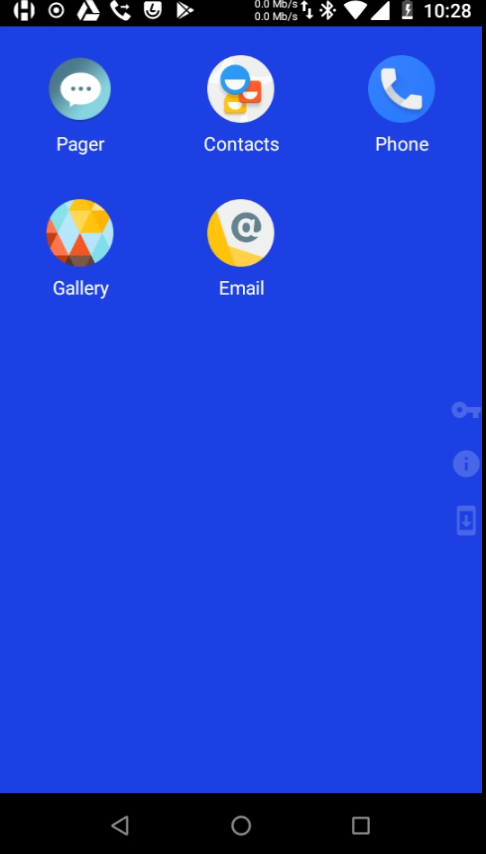
No big issues found. Support was really responsive.
The free version does not include Kiosk mode.
Interesting Open Source solution (only the server and not the client version, though)
This annex presents the outcome of the tested MDM: https://entgra.io/emm
They provide docker packages for a remote deployment for testing (or even production). For this test the SaaS platform was used.
It is a JAVA/Tomcat application which makes it ideal in terms of compatibility with DHIS2
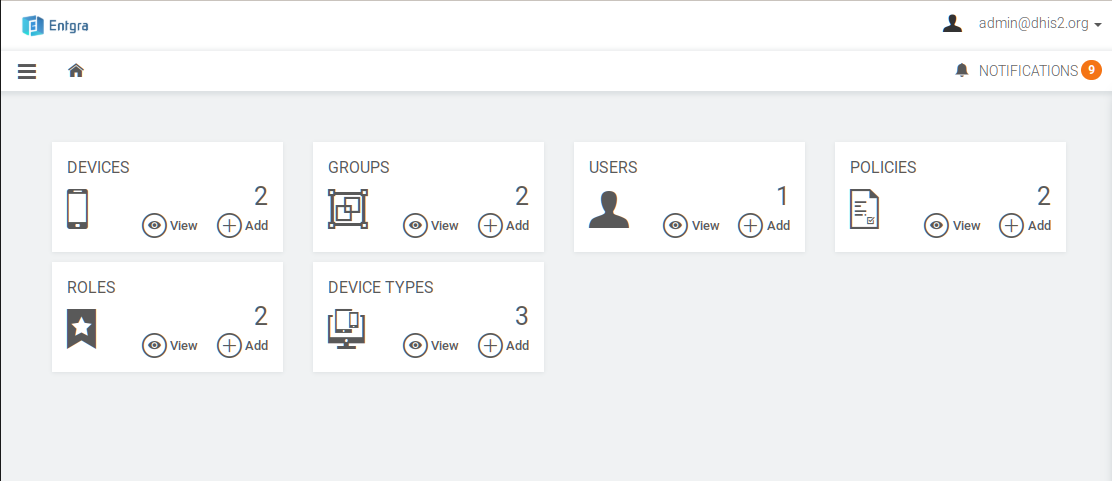
It covers the whole range of functions defined but the policy definition might be a bit overwhelming due to the amount of options.
This solution allows remote control of the device and so, the manager can see the screen of the device remotely. This might be particularly useful for training and troubleshooting.
Console
Phone
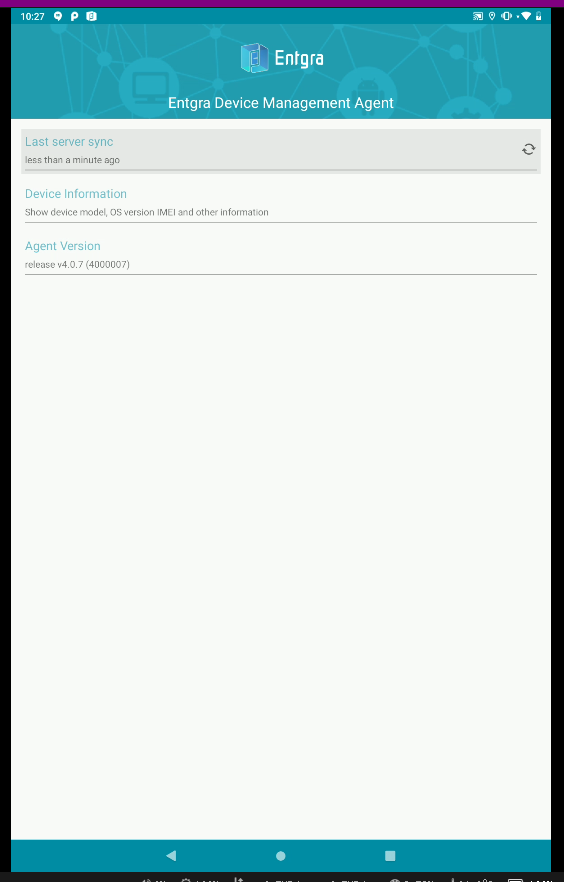
Device location didn't work (it seems to be a temporary issue)
Worked well and support was responsive. The fact that is an Open Source Java application might make administration easier if using the premises option.
This annex presents the outcome of the tested MDM: https://www.miradore.com/
No need to install as the solution is a SAAS
Quite easy and clean interface
Console:
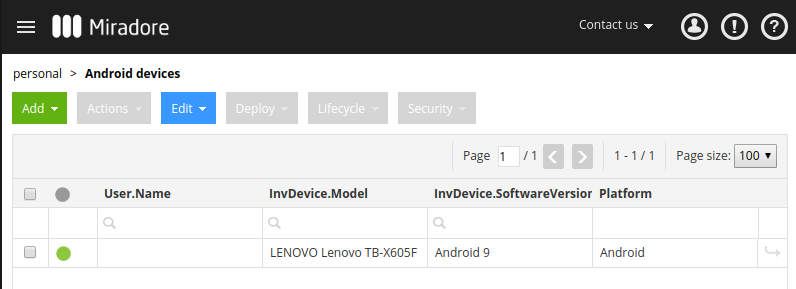
Phone
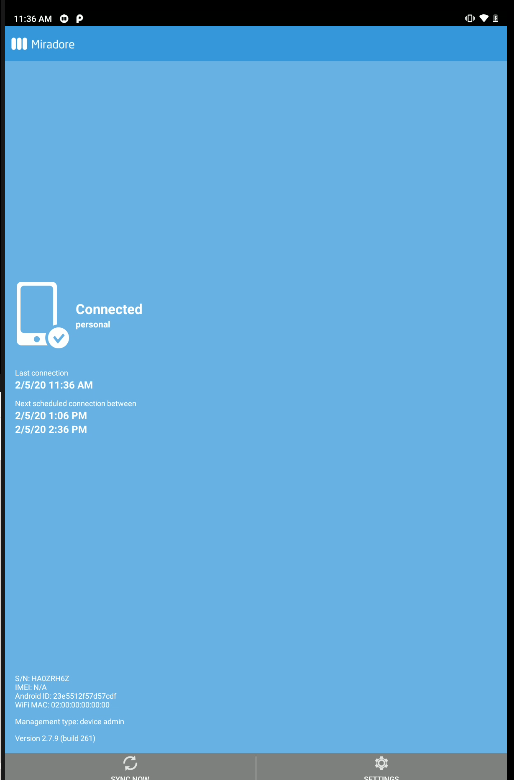
In normal mode (BYOD), whenever the MDM manager sends a request the person in charge of the device needs to approve them i.e installation of an App. Thus, the remote management is somehow limited.
This solution was implemented in Ghana (DHIS2 deployment by the Ministry of Health with ~2700 devices) and ran successfully for several months. However, due to the high costs it was later migrated from the business to the free version.
This annex presents the outcome of the tested MDM: https://www.manageengine.com/mobile-device-management/
No installation as is a cloud service.
Easy to enroll devices.
This solution allows remote calls and remote control of the device and so, the manager can communicate using VoIP and see the screen of the device remotely. This might be particularly useful for training and troubleshooting.
Console:
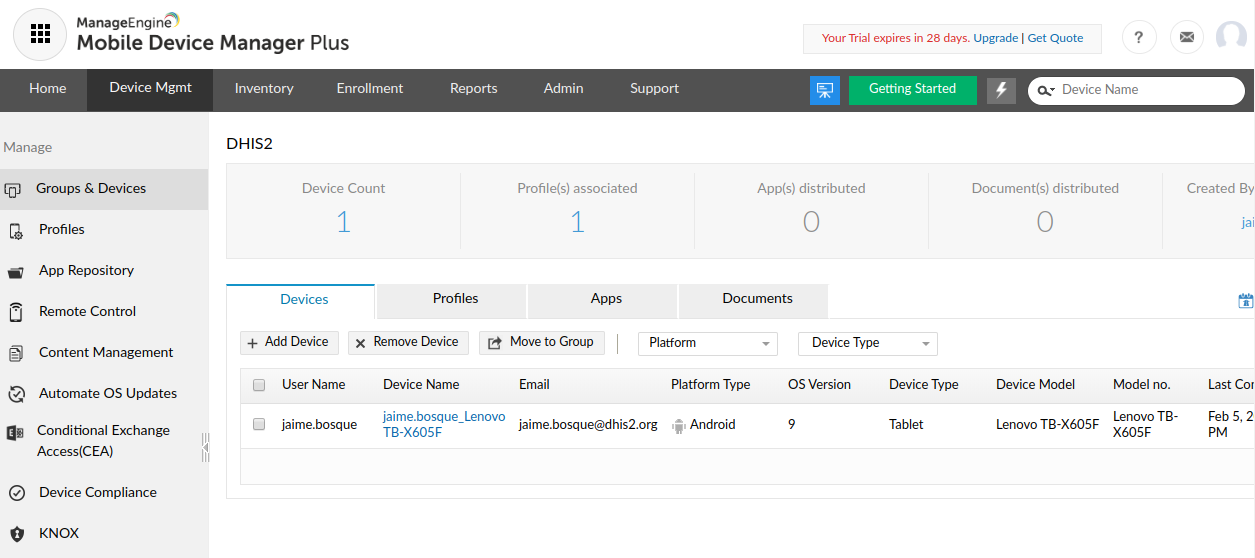
Phone
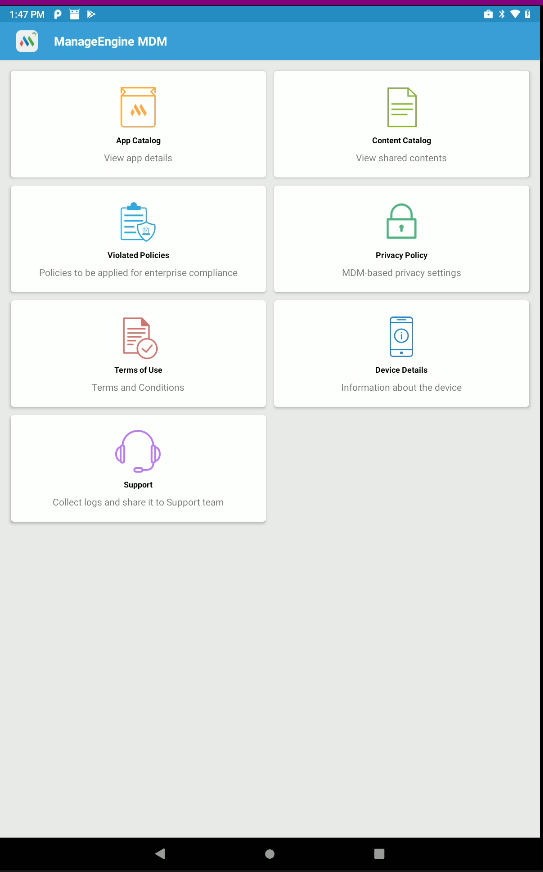
Could not upload files nor Apps during the test. Seems to be a temporary issue.
Worked really well.
This annex presents the outcome of the tested MDM: https://scalefusion.com/
No installation as the cloud solution was tested.
Lots of options, maybe too many that might get you lost at the beginning.
The enrollment of the agents was really easy although encryption was mandatory for the Kiosk mode.
This solution allows remote calls and remote control of the device and so, the manager can communicate using VoIP and see the screen of the device remotely. This might be particularly useful for training and troubleshooting.
Console:
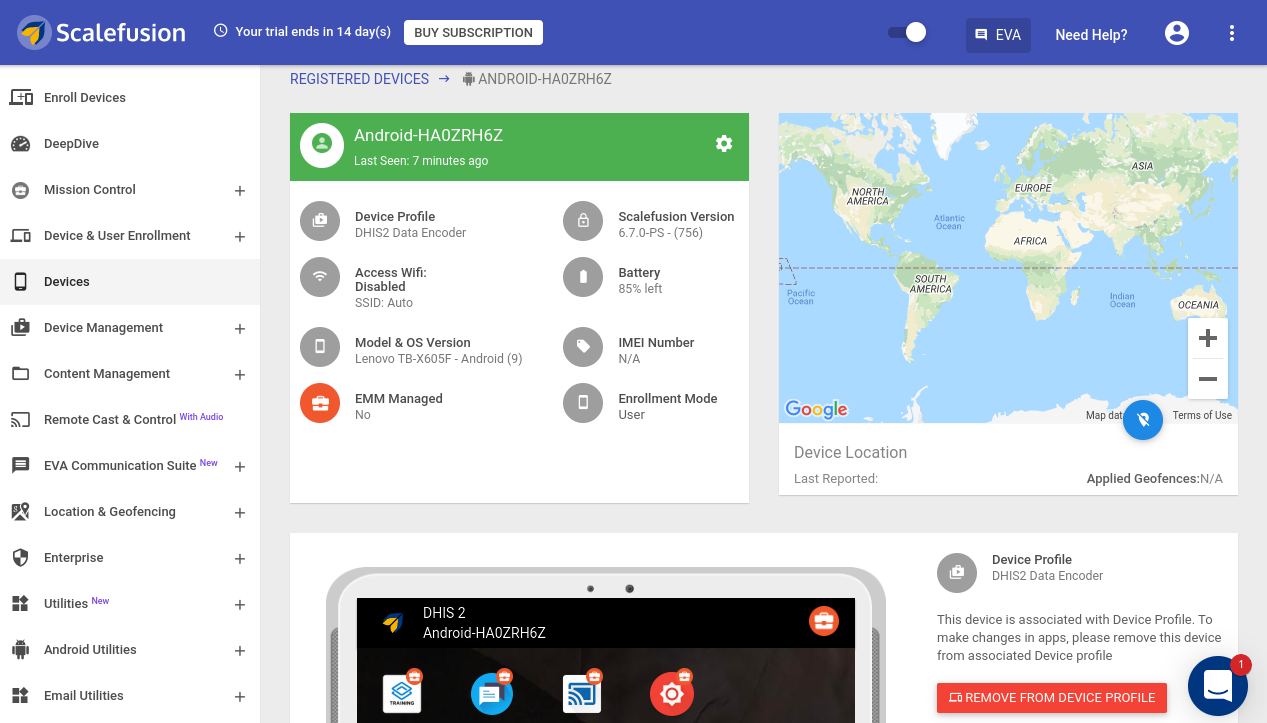
Phone (Normal Vs Kiosk):
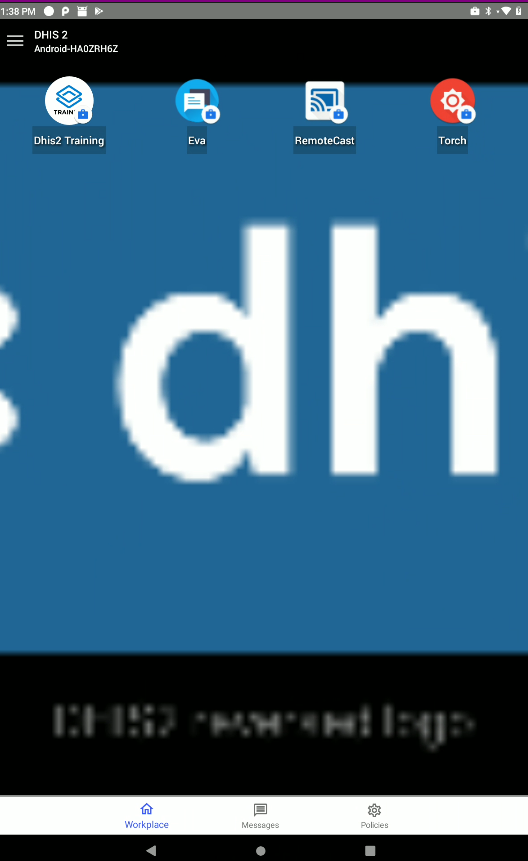
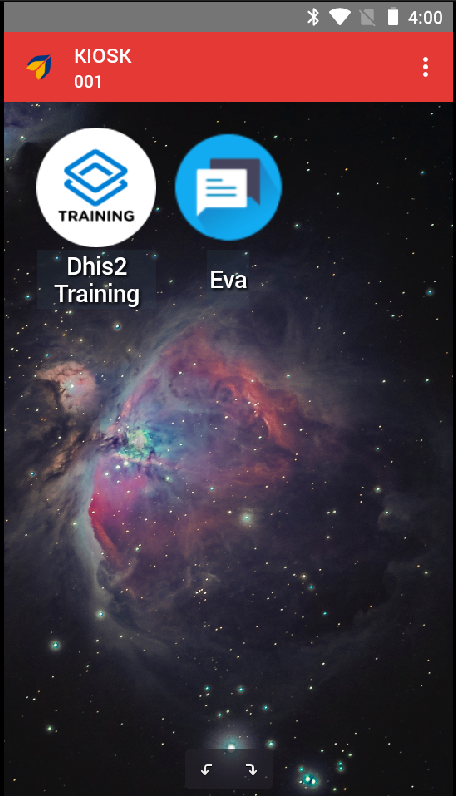
Mandatory encryption for Kiosk devices (make it slow)
Nice solution, worked well and can be fully customized.